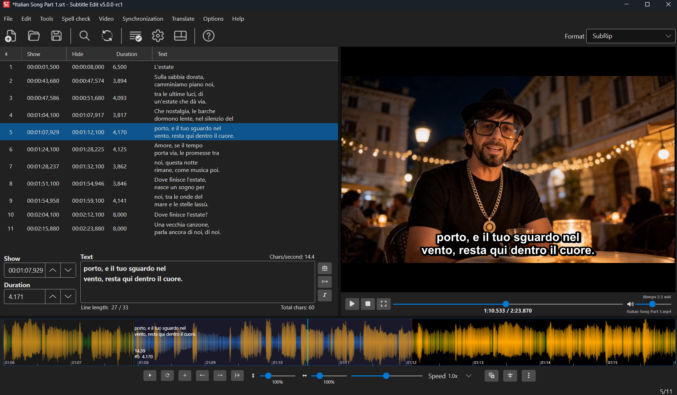
Subtitle Edit is a free app that lets you generate and edit subtitles from a video. If you have a song that you want the lyrics for, you can export the song as a video and then add the video to Subtitle Edit. In the example below, I want the lyrics for an Italian music video.
Download Subtitle Edit and then install it
Click Video > Open video… and select your video.
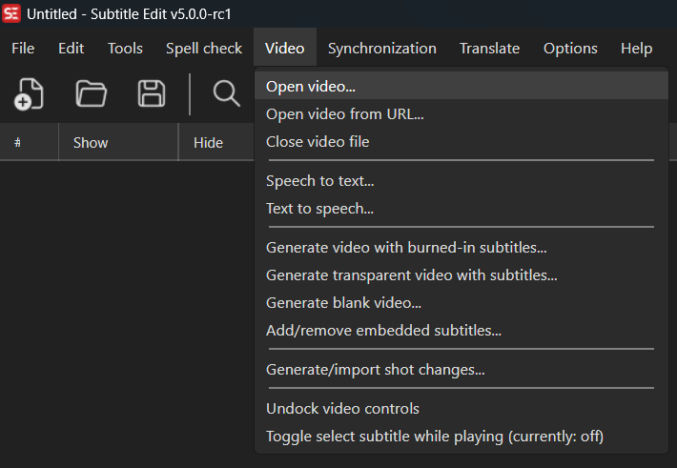
Click Speech to text…
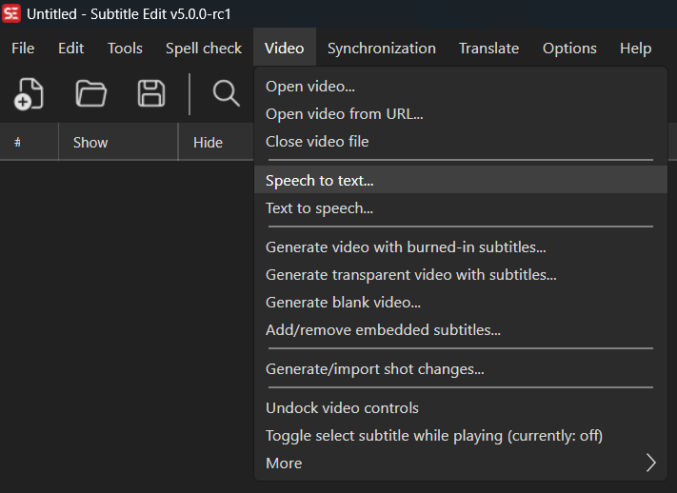
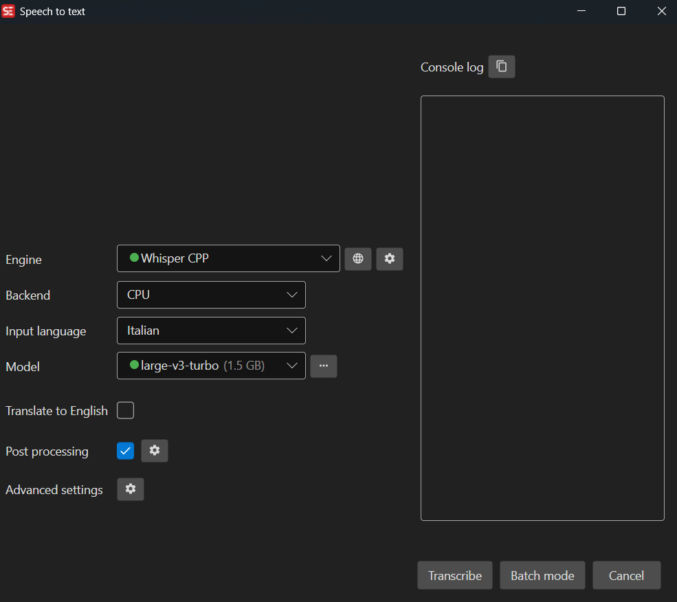
In the pop-up window, I like to choose
- Engine: Whisper CPP
- Model: large-v3-turbo (1.5 GB)
Since my video is in Italian, I set the language option to Italian.
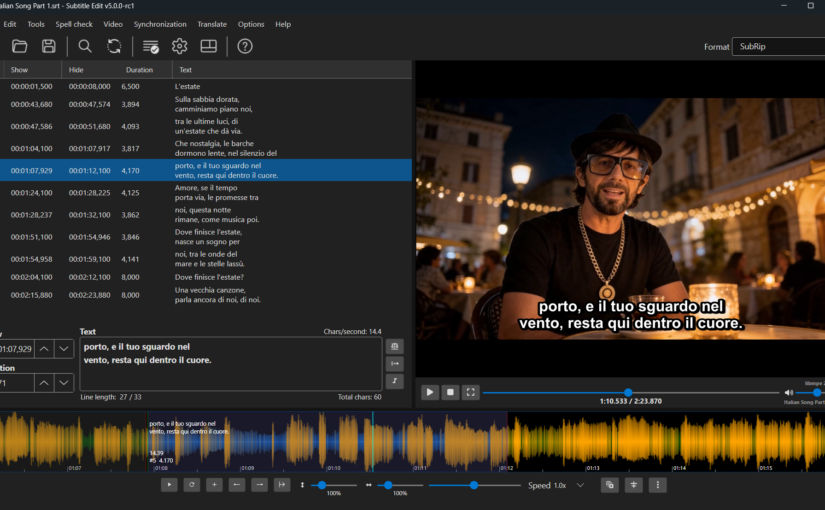
When processing is done, you will see the lyrics in the left pane. Clicking on a verse will jump the playhead to the point in the waveform where that verse begins. The “Text” field lets you edit subtitle text. In the waveform, you can also drag the vertical start and end lines for each verse, which will update the timestamp accordingly.