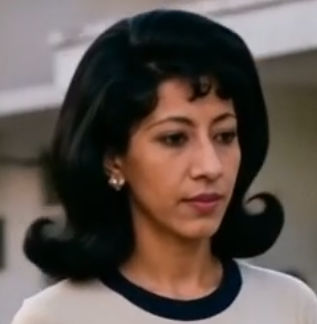


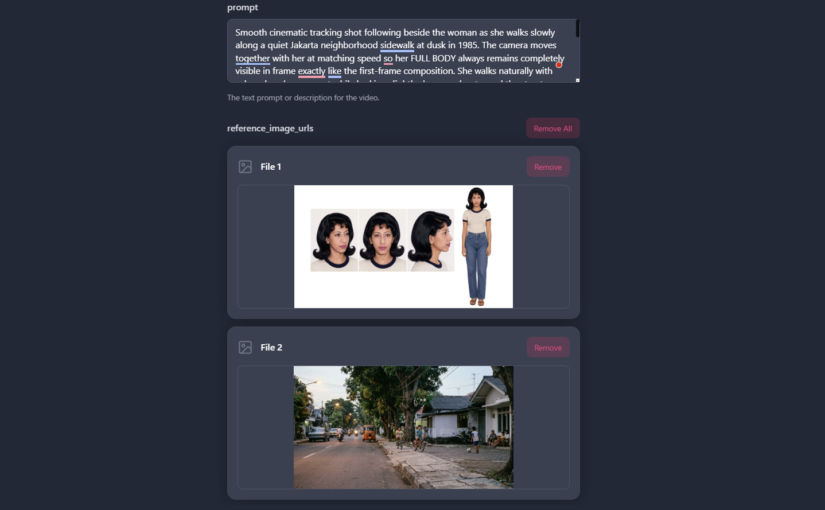
Most AI image-to-video generation tools support first-frame reference images. Considering how much more expensive video generation is compared to image generation, it makes sense to use image references, like a first frame, when generating videos. However, providing a first-frame image, with or without a last-frame reference, still fails when you need character consistency because the AI model only knows what the character looks like in the first-frame image. Fortunately, SeeDance 2.0 supports multiple reference images, so you can upload both a first-frame image and a character sheet containing different views of a character.
For example, I had the following character sheet.
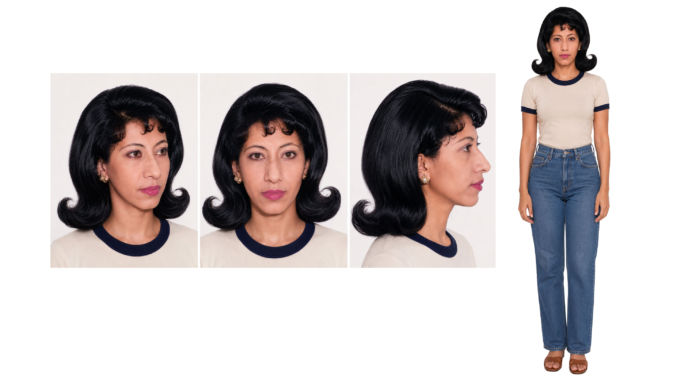
I then used it to create the following first-frame image using Nano Banana 2 in OpenArt.ai.

If I zoom in, I can see that the face looks close enough to the one in the character sheet.
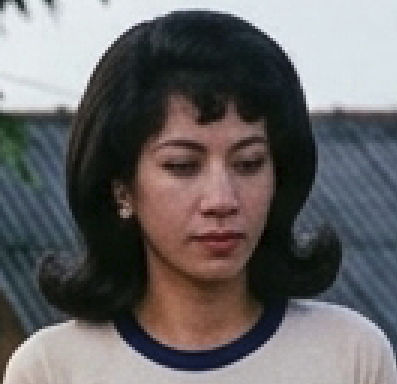
When I created a video using Kling 2.5 of the woman walking, using that image as the first frame, I got the following.
The video starts out fine because of the first-frame reference, but as it progresses, the woman’s face slowly changes and looks less and less like the one in the character sheet. Here’s a screenshot of just her face in one frame of the video.
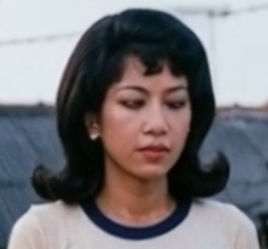
What’s particularly different is the nose, but the width and height of her face looks somewhat different as well, especially compared to the character sheet.
Now, let’s see how the same video turned out using SeeDance 2.0 with multiple references. For this, I used Kie.ai.
Since I wanted to keep the setting and just replace the subject, I used Photoshop to “remove” the subject from the previous image. I selected the subject and clicked “Remove”, which used AI to remove the woman.
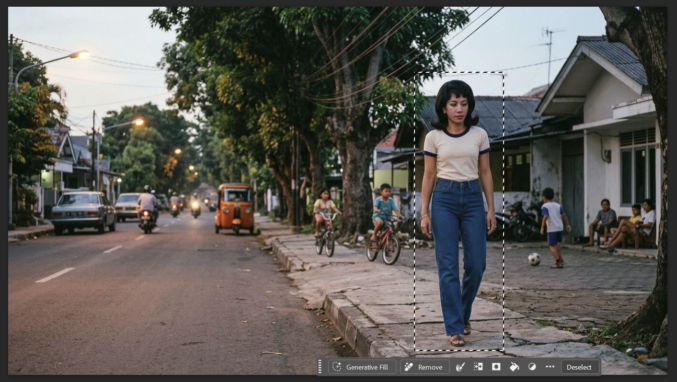
This is what I got.

Next, I upload the character sheet and setting image to Kie.ai (SeeDance 2.0 page), gave it the same prompt I used in Kling 2.5.
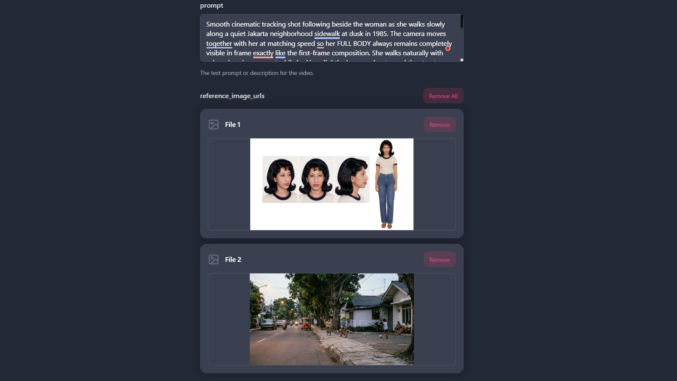
Here’s the resulting video.
Notice how the character looks EXACTLY like the one in the character sheet throughout the entire video clip.
Here’s a close-up of the face near the end of the clip.