


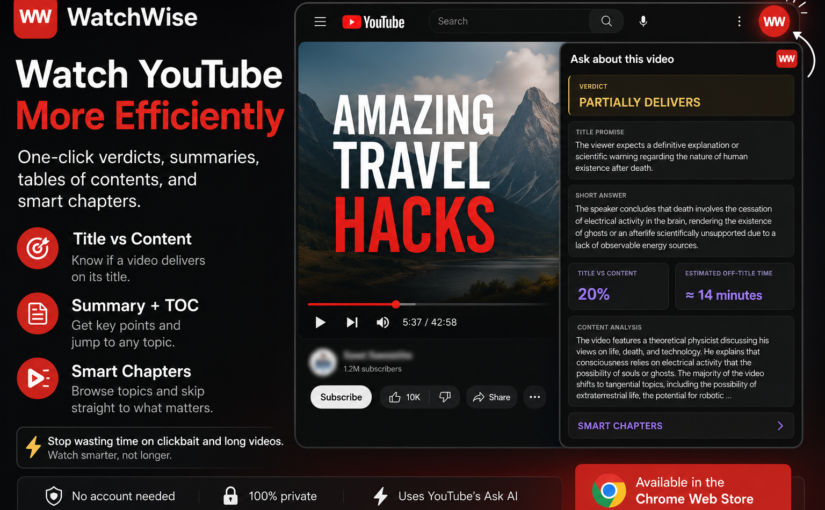
A free Chrome extension that helps you decide if a video is worth watching, generate summaries, and jump directly to the topics that matter.
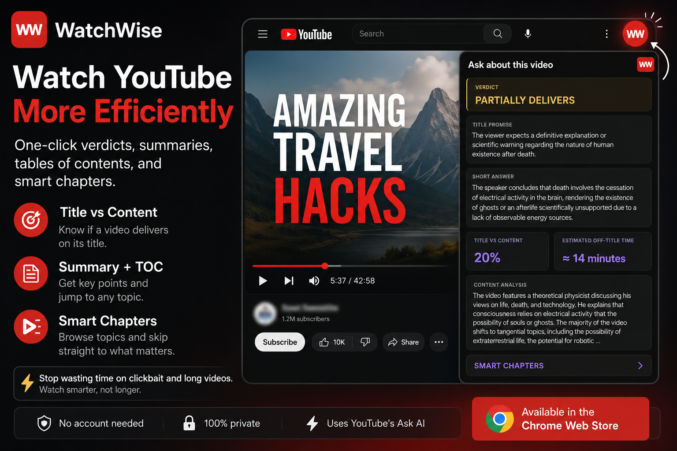
Every day I watch YouTube to learn something.
Programming.
AI.
Home improvement.
Real estate.
Finance.
The problem isn’t finding videos.
It’s figuring out whether a 45-minute video is actually worth watching.
Too often I click a promising title only to discover:
- the answer could have been explained in 3 minutes,
- the title exaggerates what the video actually delivers,
- half the video is filler.
After wasting enough hours on videos like this, I decided to build a small tool, a Google Chrome extension, myself.
I call it WatchWise.
What WatchWise Does
WatchWise adds a small, red WW button to YouTube, located in the top-right corner.

One click expands the WatchWise panel, giving you three built-in tools.
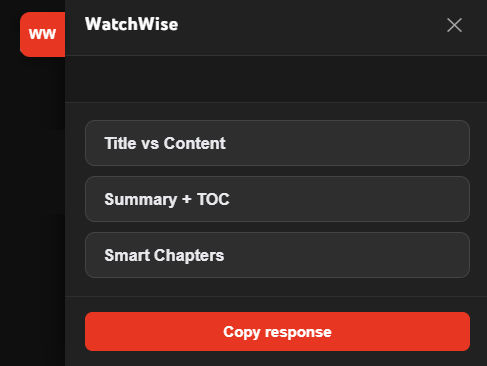
1. Title vs Content
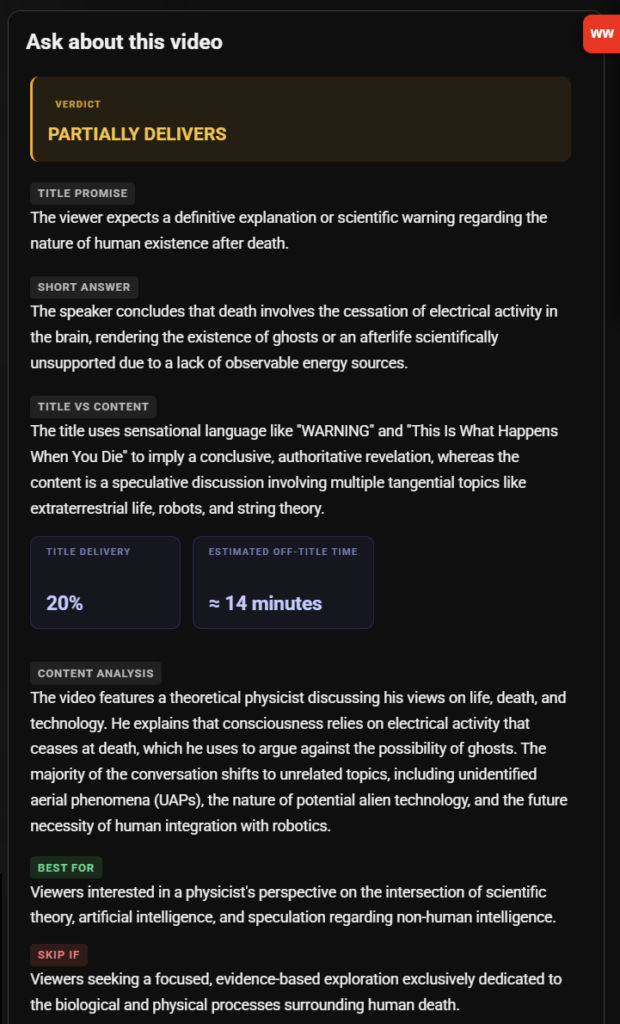
Instead of guessing whether a video delivers on its title, WatchWise asks YouTube’s built-in AI and formats the result into an easy-to-read report.
It tells you things like:
- Does the content actually match the title?
- How much of the video stays on topic?
- How much time is spent on filler?
Here’s a screenshot explaining why a particular video is mostly clickbait and a waste of time to watch.
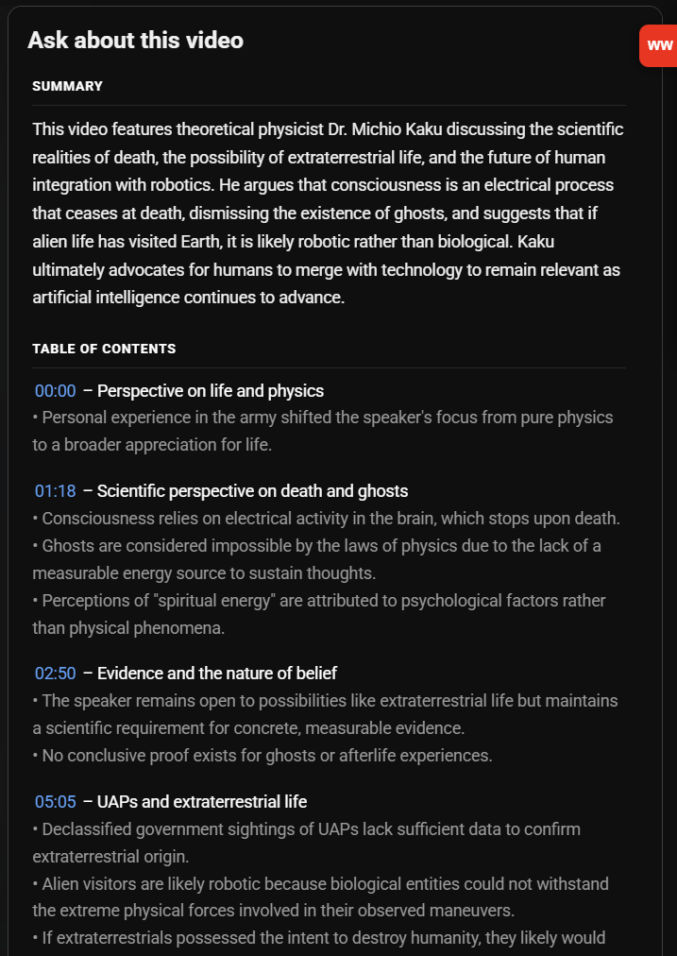
2. Summary + Table of Contents
Sometimes you don’t need to watch the entire video.
WatchWise generates:
- a concise summary
- an organized table of contents
- bulleted list of key takeaways for each section
- clickable timestamps
You can immediately jump to the section that interests you.
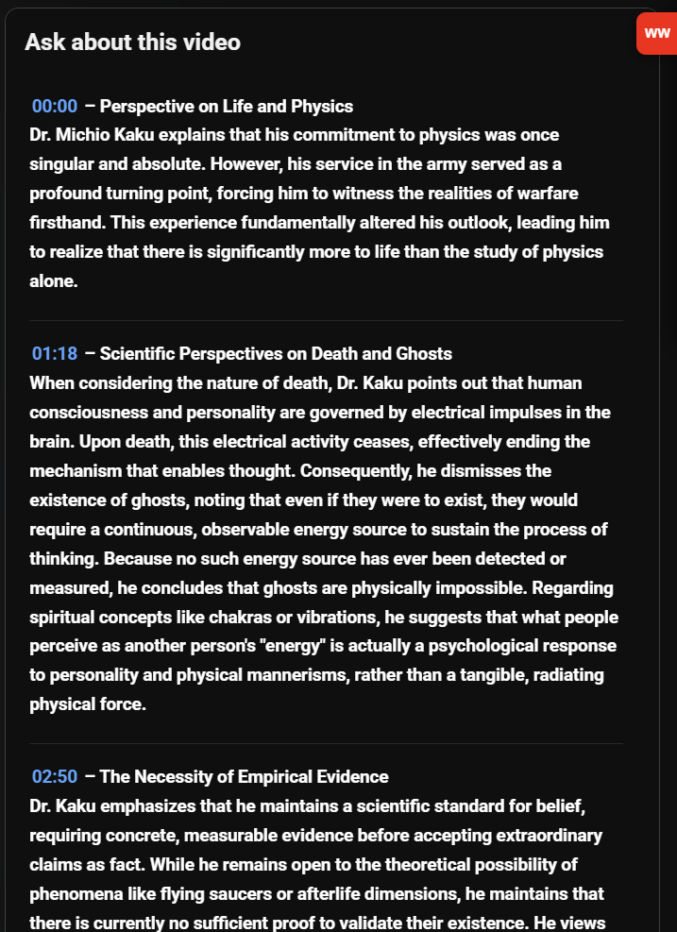
3. Smart Chapters
For long interviews and podcasts, WatchWise organizes the discussion into structured sections that read almost like an article.
Instead of scrubbing through a one-hour conversation, you can browse topics and decide where to start.
Why I Built It
This isn’t another AI chatbot.
It simply makes YouTube’s existing “Ask about this video” feature much easier to use.
Instead of writing prompts every time, I click one button.
That’s it.
Privacy
WatchWise:
- doesn’t require an account
- doesn’t collect personal information
- doesn’t use analytics
- doesn’t send data to my own servers
Everything happens inside your browser using YouTube’s existing Ask AI feature.
Try It
You can install WatchWise free from the Chrome Web Store.
Chrome Web Store:
https://chromewebstore.google.com/detail/watchwise/baclglojkadoiopgnjakdajnjlbcgekc
Final Thoughts
I originally built WatchWise for myself because I was tired of wasting time on clickbait and overly long YouTube videos. I also wanted a short executive summary in bulleted list format with clickable timestamps as well as a longer summary.
If it saves other people time too, then it has already accomplished its goal.