


I’ve renovated and remodeled many bathtubs and showers. Here are some tips I’ve learned along the way.

Bathtub
Though steel bathtubs are more durable, I prefer fiberglass/acrylic bathtubs. There are more design options and they are light-weight, making them easier to work with. They are also cheaper. For example, this one only costs $300.
Shower Pan
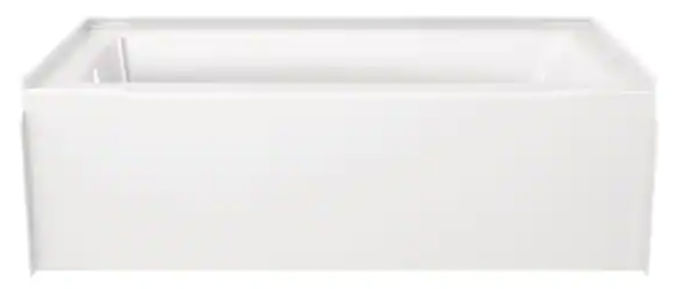
Unless you have a uncommon shower size, it’s much cheaper and more leak-resistant to buy a premade shower pan rather than to make one from tile. For example, this standard-size one only costs $270.

Bath/Shower Walls
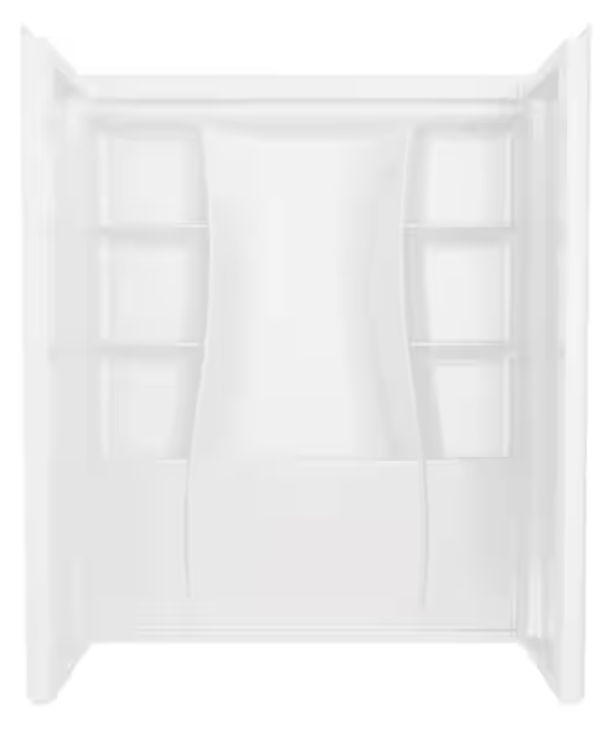
Unless the size of your bath/shower is unusual, it’s much cheaper to buy pre-molded shower wall panels than to have tile walls. Pre-made shower walls screw directly to studs, eliminating the need to add a water-resistant backing, like you need before installing tile.
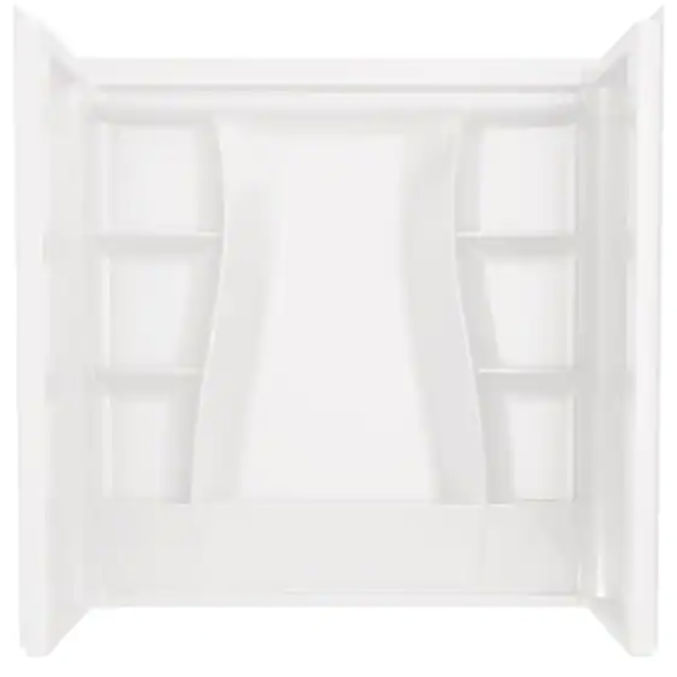
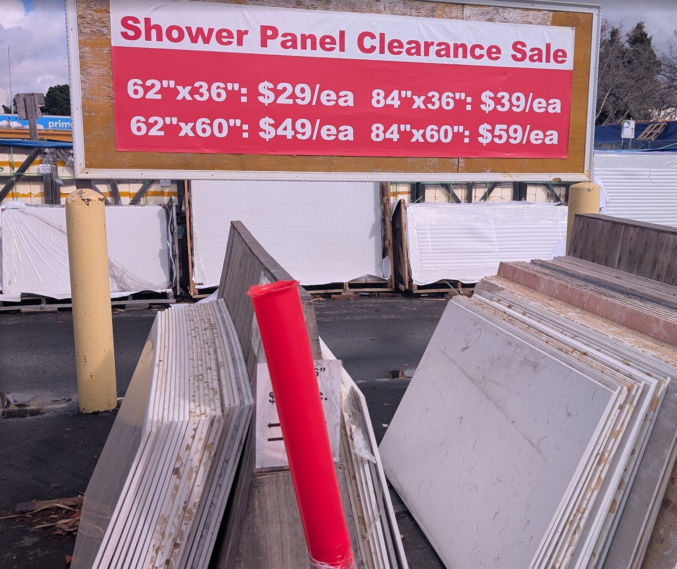
Another option is to glue shower panels to your shower walls. These panels can be found at Chinese home renovation stores. The ones shown below were from Uni Tile and Marble.
Shower Head Height
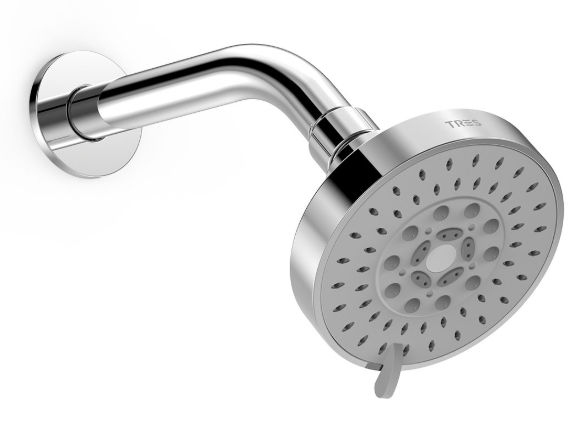
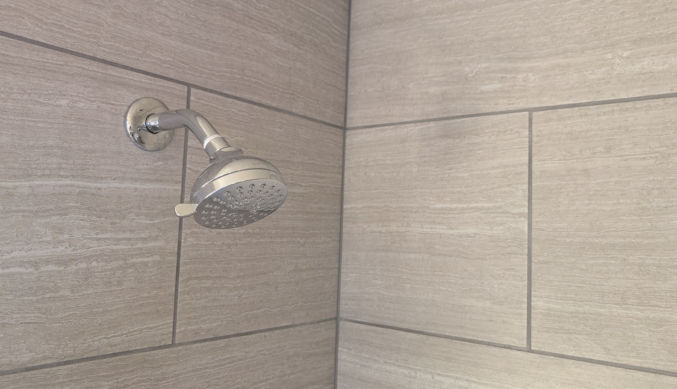
I don’t know why I keep seeing this in many homes, but many shower heads are position too low. When installing new plumbing for your shower head, make sure to tell your plumber to install it higher than usual. Not everyone is short. . For a shower I recently remodeled, I put the shower head pipe 7′ from the bottom of the shower pan. The actual shower head will be positioned lower than that because shower head arms bend downward, as shown below. This way, people who are even 6’4″ tall can stand under the shower without hitting their head on the shower head.
Shower Niches for Tiled Shower Walls
If you do end up installing tile on your shower walls, make sure you install niches as well. Otherwise, shower users would need to put their soap and shampoo on the floor. You can buy tile-ready plastic niches for relatively cheap, but you’ll end up paying for your tile guy to install tile inside those niches.

A better option and, ultimately, cheaper option is to buy a no-tile metal niche, like this one.

Shower Foot Step
Cleaning your legs and feet can be difficult if you have to bend all the way over. You can buy a shower bench, which you can sit on and rest your foot on, but that takes up space and will eventually be another thing to clean as soap scum sticks to it. If you don’t regularly need to sit in your shower, you can buy an in-wall shower foot step, like this one.

Bath/Shower Door
You can easily install a shower curtain to block water from wetting your whole bathroom, but water often still makes its way outside the shower by the wall where the shower head is. One option is to install a fixed glass shower panel, like this one, and use a shower curtain for the other half of the shower opening.

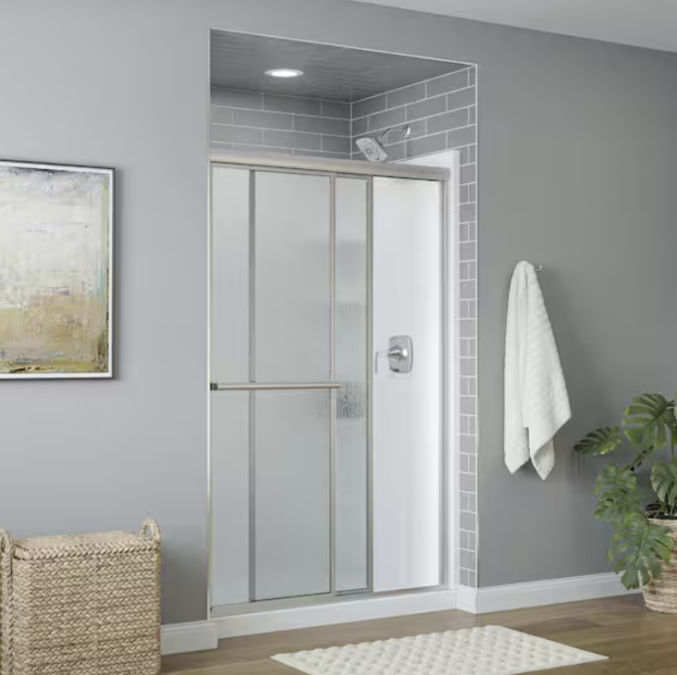
Or, you can just buy a sliding shower door, like this one for $330.
Drilling Through Tile
If you need to make a hole in ceramic or porcelain like, like when installing a sliding shower door, using quality drill bits will make a huge difference. There are primarily 2 kinds of bits available:

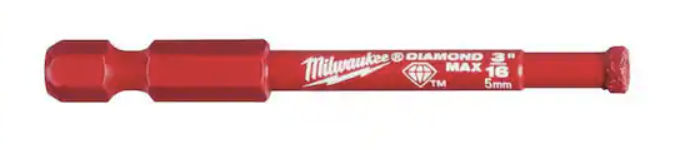
The carbide bit is good for marking hole location and drilling pilot holes, but if you try to use it to drill all the way through tile, it’ll take forever.
The diamond bit can drill holes through tile in a fraction of the time it takes to do so with a carbide bit, but the diamond bit shown above tends to wander when there is no pilot hole to keep it in place.
Recommendation: Use the carbide bit to mark hole locations and make small pilot holes. Then, use the diamond bit to drill all the way through tile. Periodically squirt water on the bit as it’s drilling or dip the bit in a bowl of water to keep it cool.
Water Walves
For your sink and toilet water valves, use 1/4-turn valves rather than multi-turn valves. Why turn a valve 360 degrees 3 or 4 times when you can just turn it 90 degrees once? Plus, the 1/4-turn valves are less prone to leaking and easier to use.

Tile
If you install tile, especially on the floor, porcelain is stronger, but more expensive than ceramic. This particular porcelain tile, in my opinion, looks good without being too expensive.

Grout
For the grout, I like there to be contrast between the tile and the grout so you can see the tile pattern. If your tile is light in color, then a darker shade of the same tile color is a safe choice. For the silver-colored tile above, I’d go with this Delorean gray, not this warm gray, which looks like silver. Make sure to get siliconized tile caulk for corners and edges in the same color. Here’s how it came out.
Baseboard
Though you can cheaply and easily install MDF baseboard in your bathroom, I prefer a tile baseboard, especially if the floor surface is tile.

If you go with a tile baseboard, you can either use tile that come with a bullnose edge, but they tend to be expensive and not always available. For example, this bullnose tile, which matches the tile design above, costs $2.47 each.
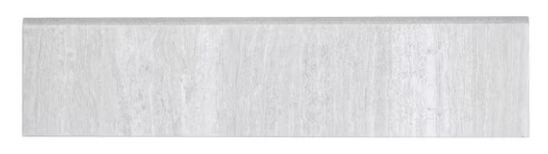
Okay, that particular one is not that expensive, but many others are. So, another option, which I think looks just as good, if not better, is to cut the floor tile into strips and install metal trim. For example, the 12″x24″ tile shown above can be cut into 3 pieces lengthwise, resulting in three 4″x24″ pieces.

Grout Color
Grout can easily get dirty. Though you can apply a sealant to protect it, you can also just choose a darker grout color to minimize the appearance of any dirty grout, especially in a rental property. For example, for one of my rental properties, I chose this cheap porcelain tile (Daltile Rorington Taupe 12 in. x 24 in. Glazed Porcelain Floor and Wall Tile) this dark brown grout (Custom Building Products
Polyblend Plus #647 Brown Velvet 25 lb. Sanded Grout). Pictured below is how it came out. If the grout gets dirty, you won’t even be able to notice it! LOL – Perfect for a rental!

Tile Installation
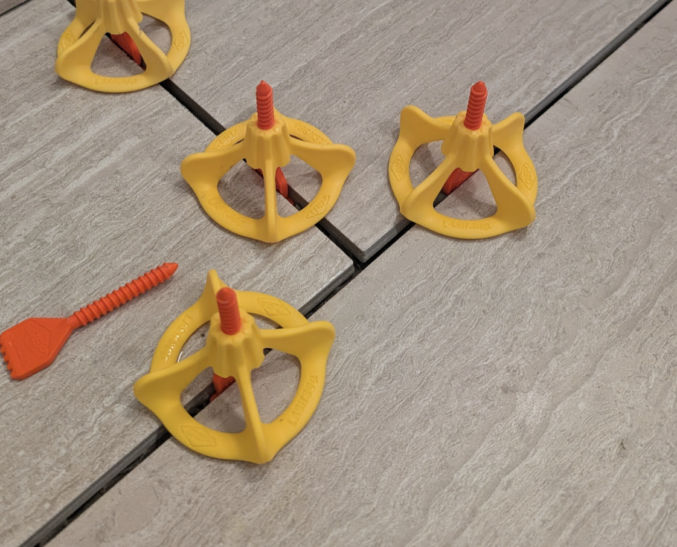
When installing tile, make sure to use tile-leveling stems and round caps to ensure adjacent tiles are level.
Mirrors
Frameless mirrors tend to be cheaper the framed mirrors, and you can see more of yourself in them because there’s no frame taking up space. But, they don’t look nice, especially when the fasteners (clips) are exposed. Instead, you can buy nice framed mirrors are discount stores like Marshalls, Ross, and TJ Maxx for the same price or less. Here’s what one of my bathroom mirrors looks like. I think I paid $40 for it at Ross.

Hanging Mirrors
When hanging mirrors, many people just drive some nails or screws into the wall and try to hang the mirror on them. There are many problems with this method. It’s hard to get the mirror perfectly level. The head of the nail or screw may be too big for the holes on the back of the mirror. And, you’ll end up with an unnecessarily large hole in the wall if you use screws. Instead, just buy proper picture hangers. They are much easier to work with and you can get perfectly level mirrors with ease.

Motion-Detecting Light Switch with Vacancy Detector
Apparently, some cities in California require a vacancy sensor light switch so that when a bathroom is vacant, the lights will turn off automatically. I went a step further and bought a switch that automatically turns the lights on when it detects motion, like when you enter the bathroom. It also comes with a dimmer that supports LED light bulbs. There’s also a switch if you want to manually turn on/off the lights.

Exhaust Fan with Humidity Sensor
It’s annoying when, after taking a nice, long, steamy hot shower in the winter, your bathroom walls are wet and your mirrors are fogged up from all the steam. If you have windows, you don’t want to open them because you don’t want the cold air to come in. Solution: get install a good exhaust fan with a humidity sensor. It’ll turn on and off automatically when it detects humidity from shower steam.

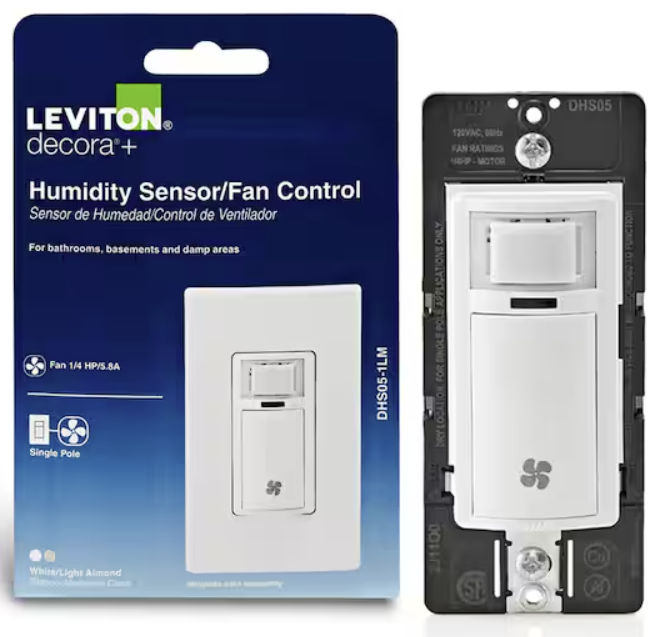
If you already have a exhaust fan, but it doesn’t have a humidity sensor, you can buy a wall switch with humidity sensor.
Sink Faucet
If you want a low-cost, reliable, easy-to-use and easy-to-install bathroom sink faucet, consider the Glacier Bay Dorind Single Hole Single-Handle Deck Mount High-Arc Bathroom Faucet. It comes with a single handle, 27″-long, pre-connected water supply lines, and a pop-up drain.

Sink P-Trap
If you want an easy-to-install, leak-free, durable sink P-trap, go with Simple Drain. I’ve installed them many times and they’ve never leaked. They’re way easier to install compared to PVC.

Tips For Cleaning Grout Haze
Read my other post on tips for removing grout haze.
Tips For Installing a Toilet
Read my other post on tips for installing a toilet.
Tips For Applying Caulk and Silicone
Read my other post on tips for applying caulk and silicone.
Tips For Preventing Pipe Leaks
Read my other post on tips for preventing pipe leaks.
Preferred Bathroom Items
Here’s a list of some of my preferred bathroom items:
- Fabric shower curtain / liner
- Shower curtain rod
- One-piece elongated toilet
- Fluidmaster PerforMAX Universal High Performance Toilet Fill Valve (much easier to install and adjust compared to the Korky brand)