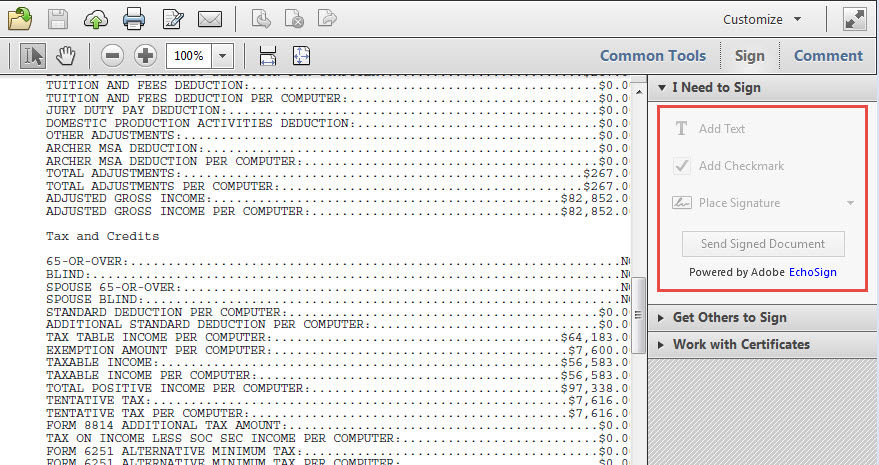
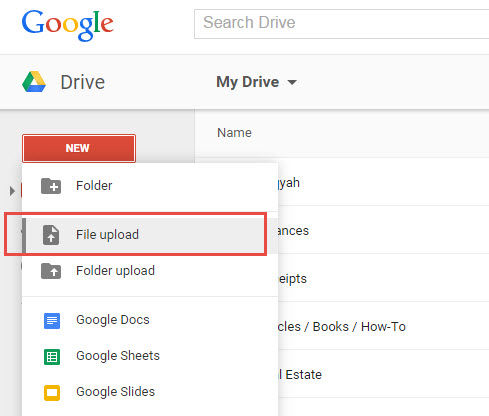
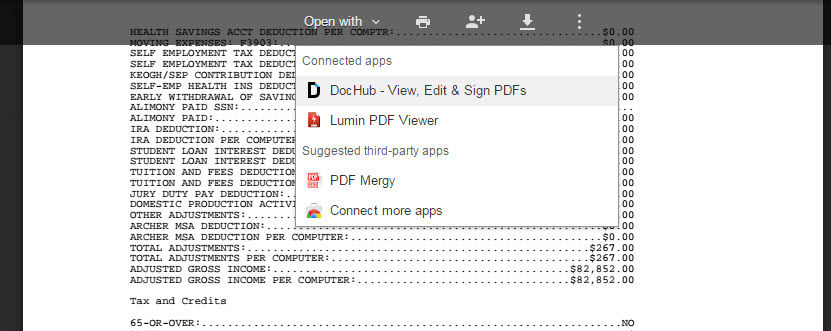
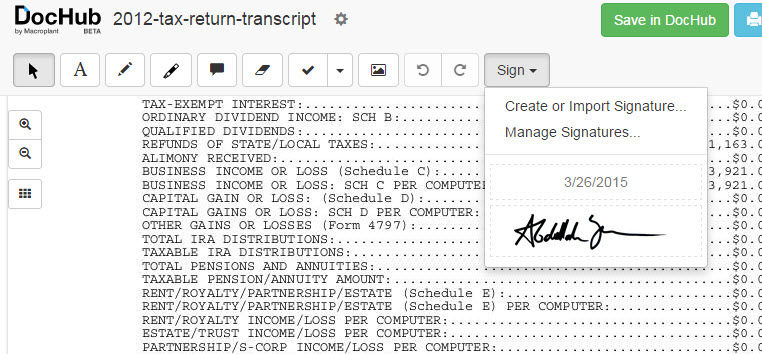
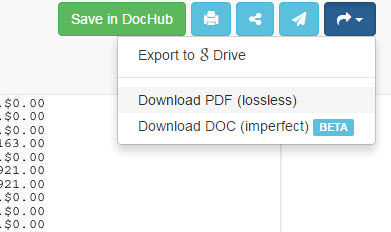
If you want to edit or sign a PDF file but can’t due to restrictions placed on it, you can unrestrict the PDF by first uploading the PDF to Google Drive, and then opening the Google Drive PDF in DocHub.


If you want to edit or sign a PDF file but can’t due to restrictions placed on it, you can unrestrict the PDF by first uploading the PDF to Google Drive, and then opening the Google Drive PDF in DocHub.


If you want to version some files like a website project you’re working on, Git works really well. No remote server is needed and everything is self-contained by folder.
C:\Users\ayahya\Documents\temp>git log
commit 78f7d5cd1f9cbec2cc7a55a3e5cd6dd12b2ea13d
Author: unknown <ayahya@100739-T440.corp.qualys.com>
Date: Fri Mar 20 16:29:39 2015 -0700
added line 2
commit 2587182fe50b7f1ae01b3153f637fd3abcbe2120
Author: unknown <ayahya@100739-T440.corp.qualys.com>
Date: Fri Mar 20 16:13:46 2015 -0700
Added one line
For more info, visit the Git documentation or this ebook.
For a visual understanding of Git, check this out.
When working with Adobe Illustrator, many times you’ll find that the objects that you want to save as a JPG or SVG are on an artboard that is larger than the size of the object. If you save the artwork, the object including the whitespace around it up to the borders of the artboard is saved. This is usually not what you want. If you want to save just the object, you need to resize the artboard to fit the borders of the object.
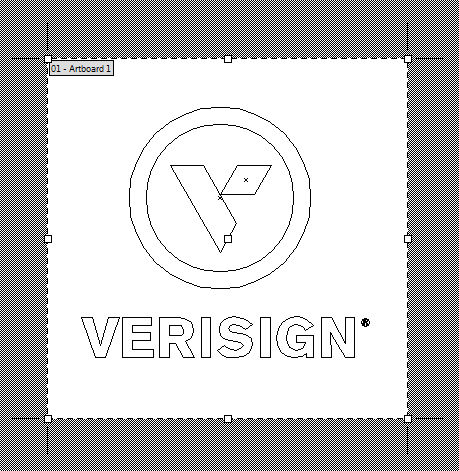
Below, you’ll see the artboard is bigger than the object (I clicked on View > Outline to show an outline of the object).
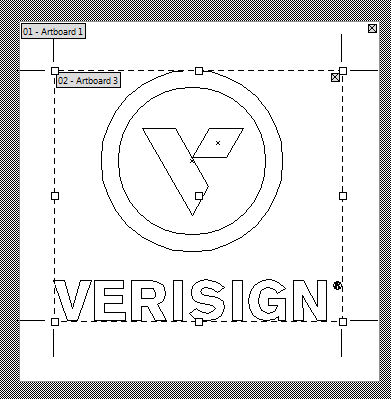
Click the artboard tool (Shift-O) and position your mouse cursor over the object and then double-click.
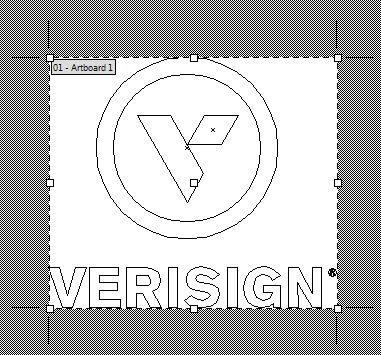
This will crop the artboard to fit the size of the object.
UPDATE: Actually, there’s an easier way. Just select the artwork then choose Object > Artboards > Fit to Artwork Bounds.

I was patching a file with a patch file containing all adds (+). If should have been straightforward but I got the following error.
bash-3.2$ patch –unified –batch –ignore-whitespace -p0 -V never -r /dev/null < /4109.patch
patching file /index.html
patch unexpectedly ends in middle of line
patch: **** malformed patch at line 127:
bash-3.2$
There’s an empty line after the colon which is suspicious. I opened the patch file and added a line break at the end of the file, reran the patch command and it worked.
If this happens to you, try adding a line break at the end of your patch file. Stupid, as hell, I know, but it worked 🙂