


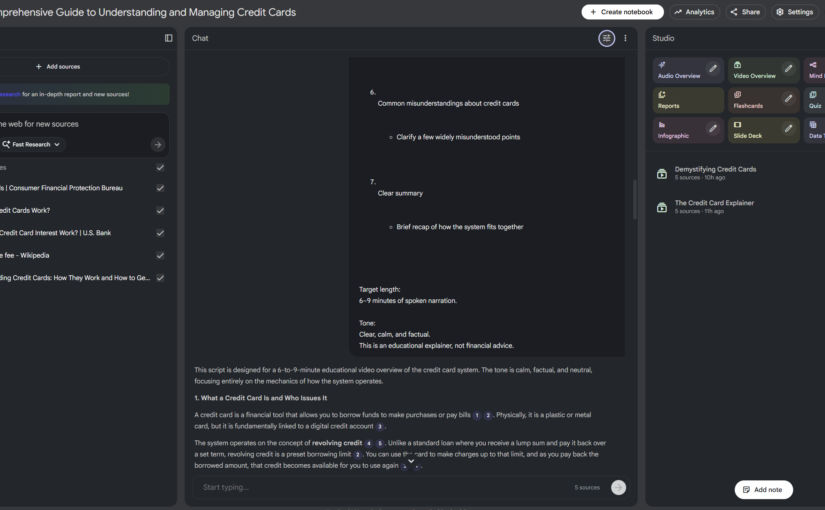
Here’s how I created this overview video in 5 minutes with just a single prompt.
Get Content
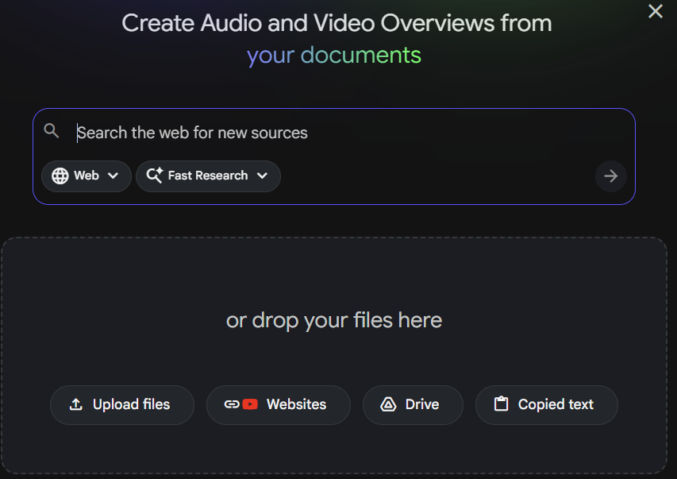
Gather the content for the overview video you want to create. The content can be local files (PDFs, text files, etc), copied text, and website URLs. In my case, I got these URLs to pages explaining how credit cards work:
- https://www.consumerfinance.gov/consumer-tools/credit-cards/
- https://www.investopedia.com/how-do-credit-cards-work-5025119
- https://www.usbank.com/credit-cards/credit-card-insider/credit-card-basics/how-does-credit-card-interest-work.html
- https://en.wikipedia.org/wiki/Interchange_fee
- https://www.investopedia.com/terms/c/creditcard.asp
Add Content to NotebookLM
In the left pane of NotebookLM, add your source content.
Add a Prompt
In the middle pane, add a prompt describing what you want NotebookLM to do. In my example, I asked ChatGPT to give me a prompt to tell NotebookLM to generate an overview video of the content in my sources, which I then pasted into NotebookLM.
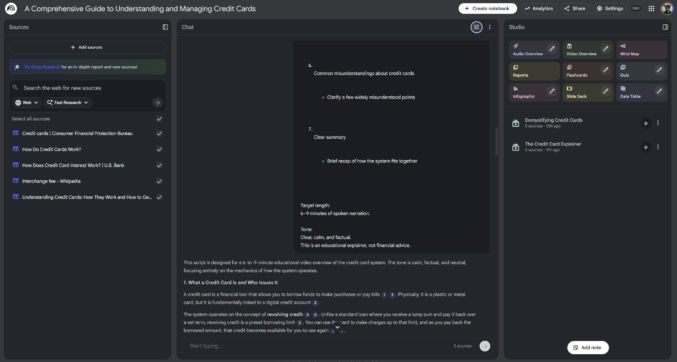
Generate Overview Video
In the right pane, click “Video Overview” to have NotebookLM generate an overview video based on the content and your prompt. My 4-minute video was generated in a few minutes.