


I like to make travel videos, but I don’t like to hold a camera or make it obvious that I’m filming people around me. I’ve been using the Insta360 X Series cameras with this magnetic chest mount, but it’s very heavy, bulky, and uncomfortable to wear.
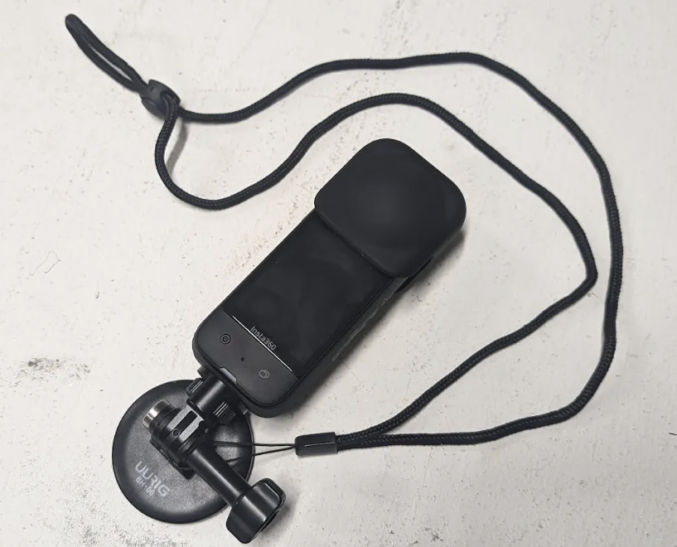
Fortunately, DJI recently came out with their own 360 camera, and it’s lighter and compact.
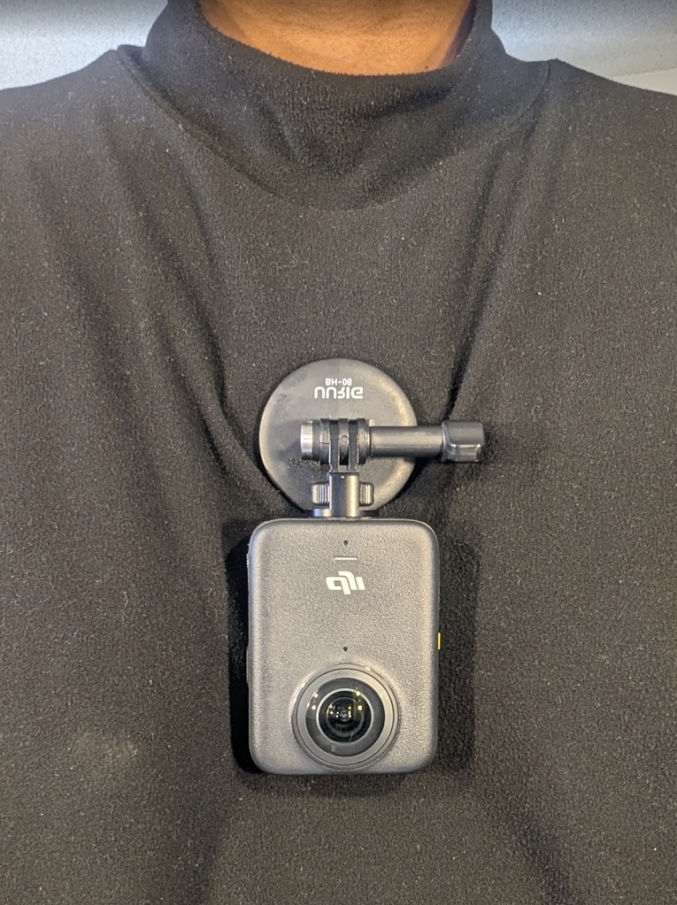
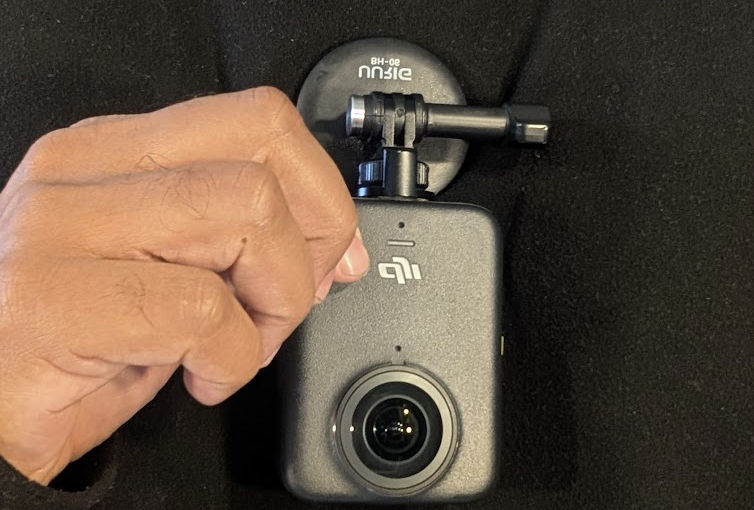
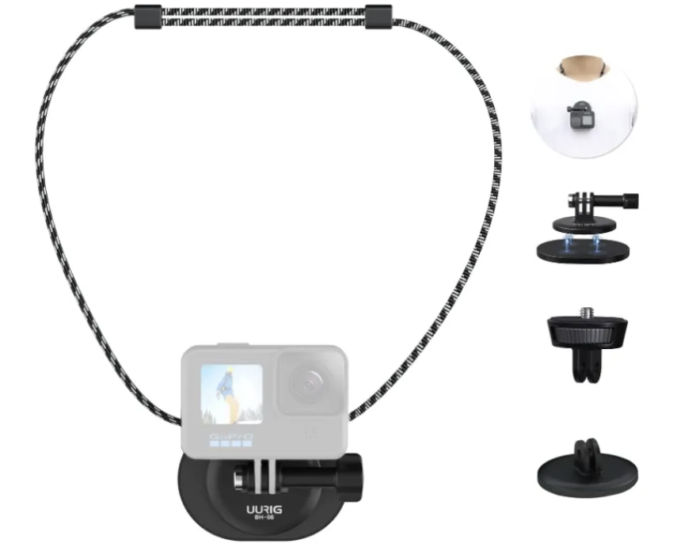
Just wear magnetic chest mount necklace, placing the magnetic mount under your shirt. Then, screw the complementary magnetic mount to the camera and rotate the round magnetic surface to mount the camera as shown above.
Since the camera takes 360-degree videos, you can adjust the angle in post-production, so you don’t need to worry of the lens is facing down or up to to the side.
With the Snapshot feature, filming is as easy as clicking a button. With the camera off, just press either the record or function button to turn the camera on and start filming. To stop and turn off the camera, just press either button again.
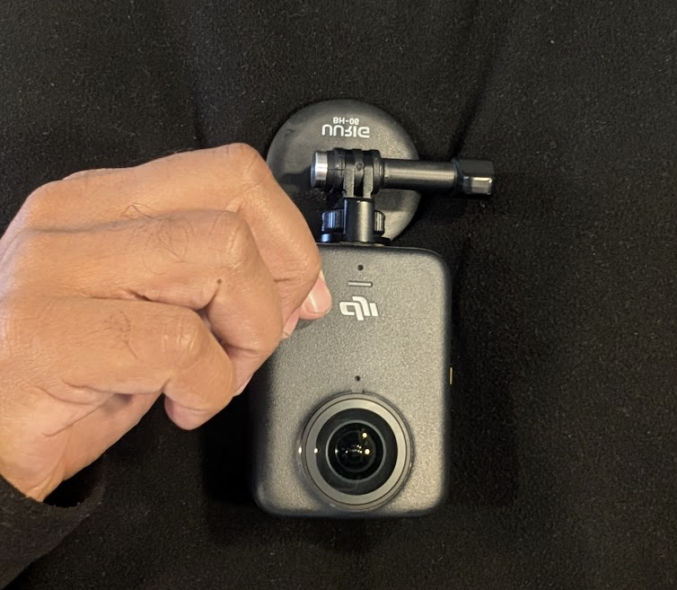
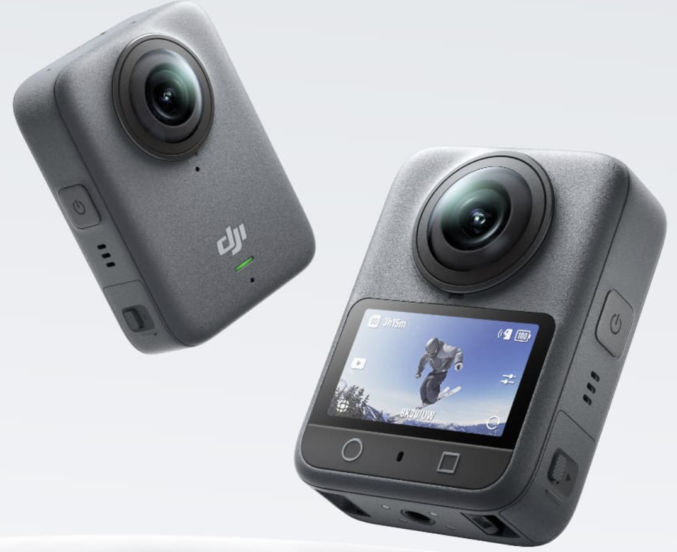
I like to have the screen facing my shirt so no one can see that I’m filming them. You can have the screen turn off automatically, but it will take at least 3 seconds before it turns off.
With this setup, discreet POV filming is super simple and hands-free. My workflow is
- When I’m ready to start filming, e.g., while boarding a plane, I press the record button. The camera turns on and starts filming in 360.
- When I’m ready to stop filming, I press the record button again. The camera stops filming and turns off.
- When I’m done filming for the day, I transfer the 360 videos to my laptop using a USB cable and I import the videos into the DJI Studio app for post-production (changing angles, trimming, converting to a flat video, etc).
- Lastly, I import the flat videos into a video editing app like Capcut to combine the footage with other footage, like footage from holding my Insta360 X5 on a selfie stick.